



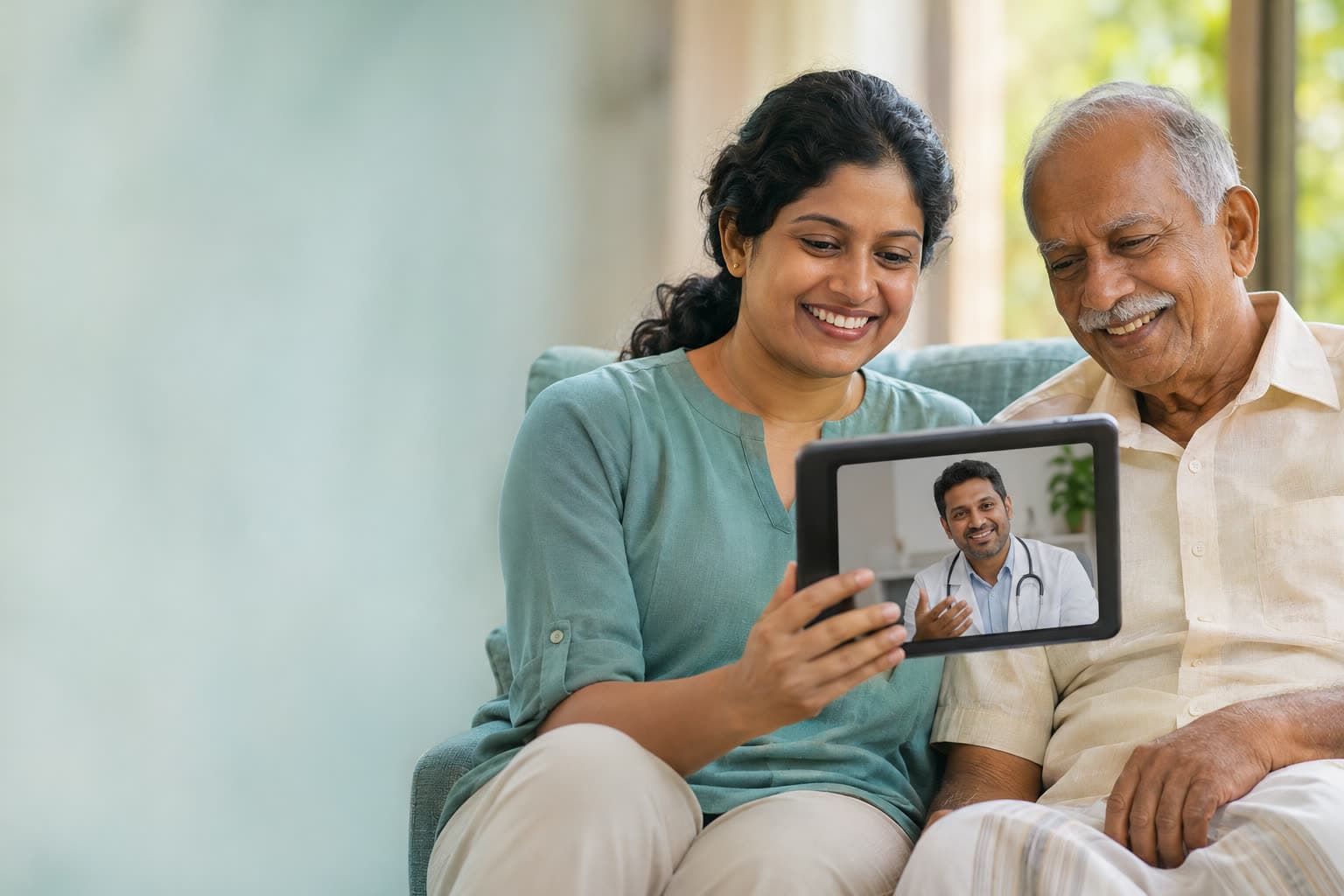
See a verified doctor by video. From home.
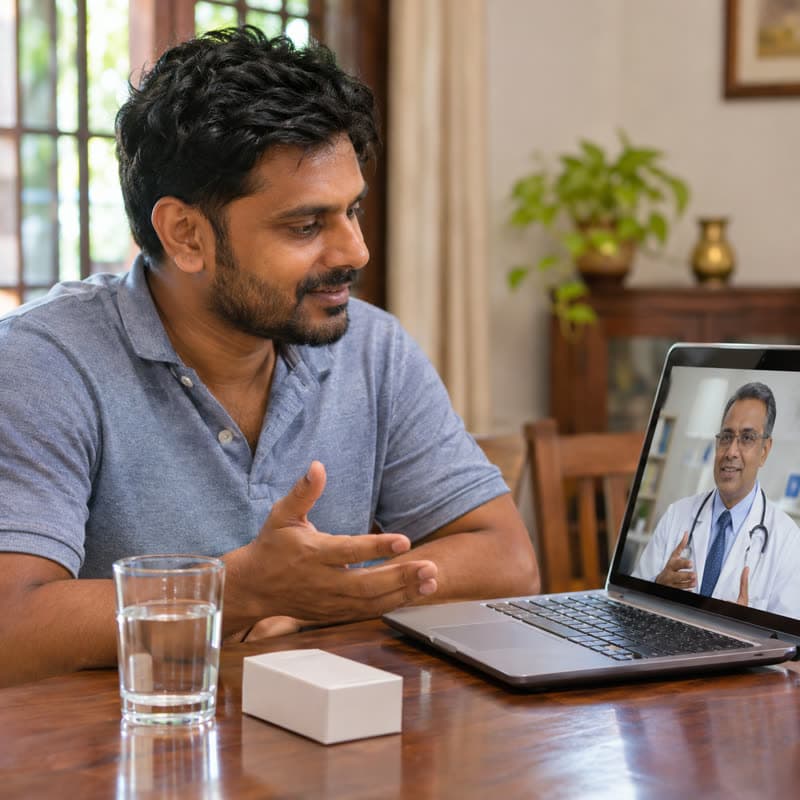
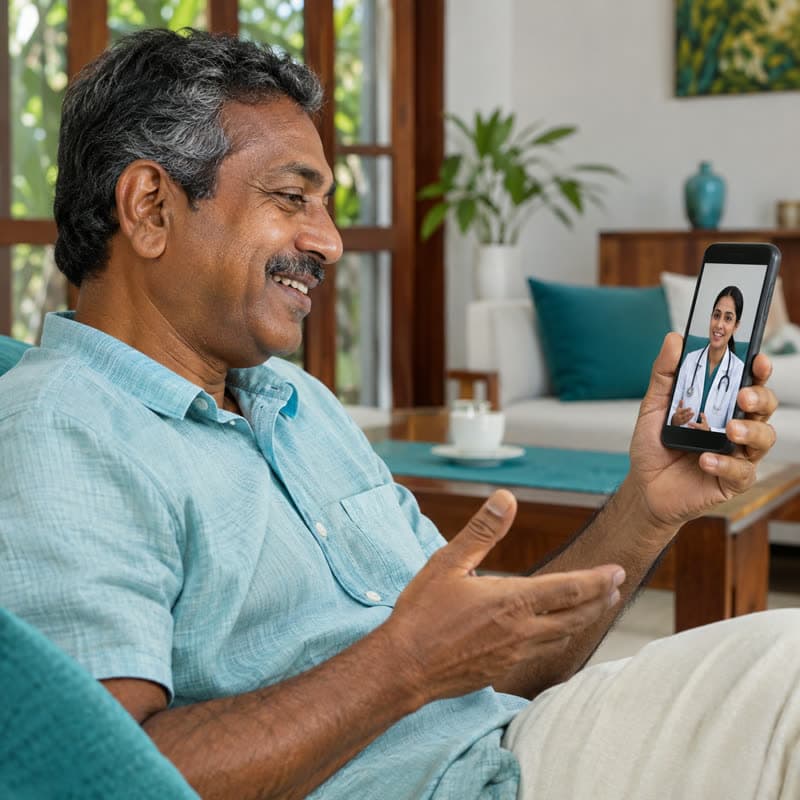
Book a private Google Meet call with an SLMC-verified doctor. Pick an open slot, pay the fee, and your link arrives by email.
- Private Google Meet call
- 1-to-1
- Verified doctors only
- SLMC
- Slot held while you pay
- 30 min
- Sent to your email
- Meet link
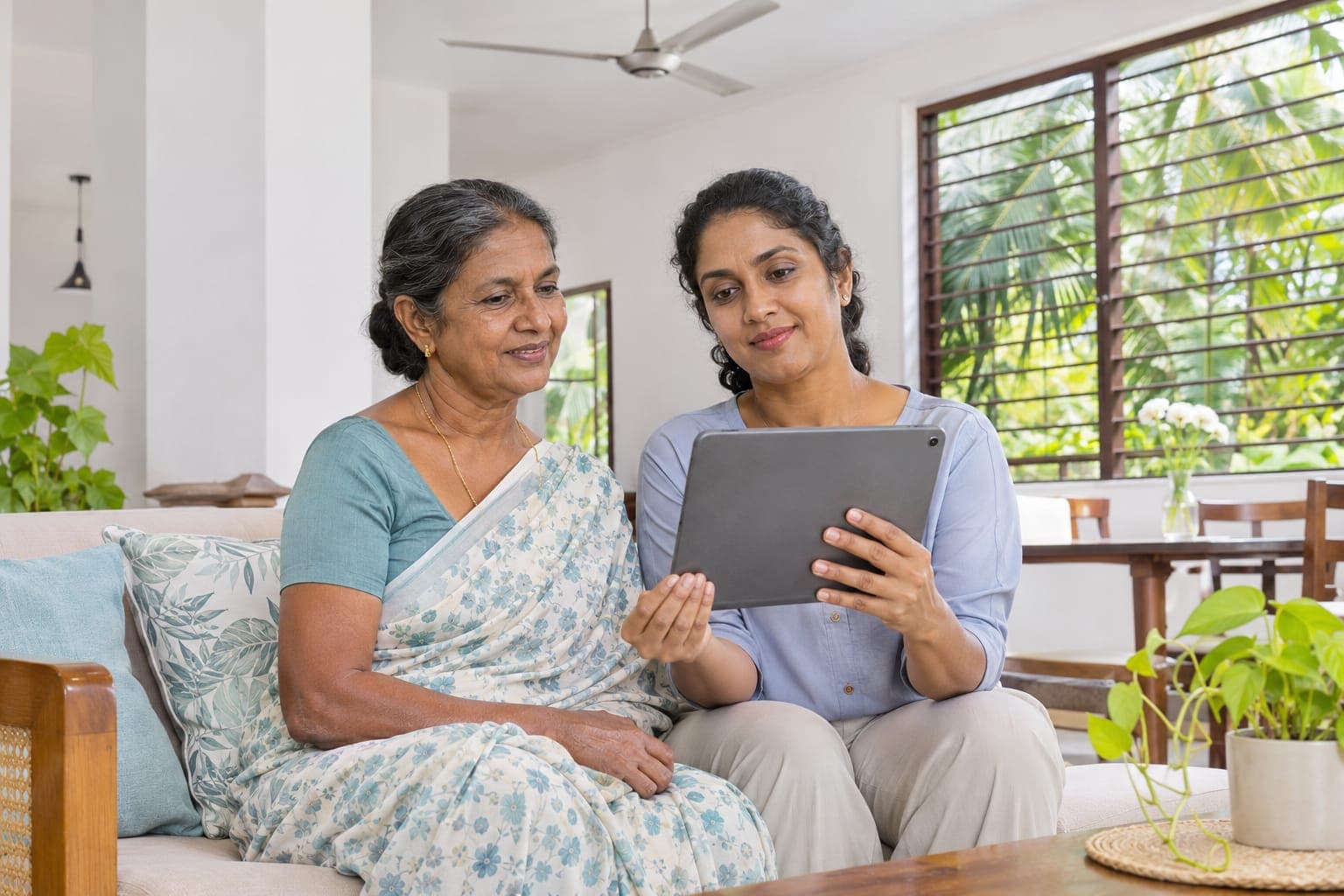 Meet link by email
A doctor's visit, from your living room.
Choose a doctor and an open slot. After your payment is checked, you join a private Google Meet call at the time you booked.
Good for
- New symptomsTalk through what you're feeling
- Follow-upsCheck in after a visit or treatment
- Test resultsGo over your reports with a doctor
- Your medicinesAsk about doses and side effects
- Ongoing conditionsDiabetes, blood pressure and more
- Healthy livingAdvice on diet, sleep and exercise
Not for emergencies. Call 1990 (Suwa Seriya) or go to the nearest hospital.
Find a doctorWhat you get with a video consultation
A real doctor, a real appointment, from wherever you are.
A private video call
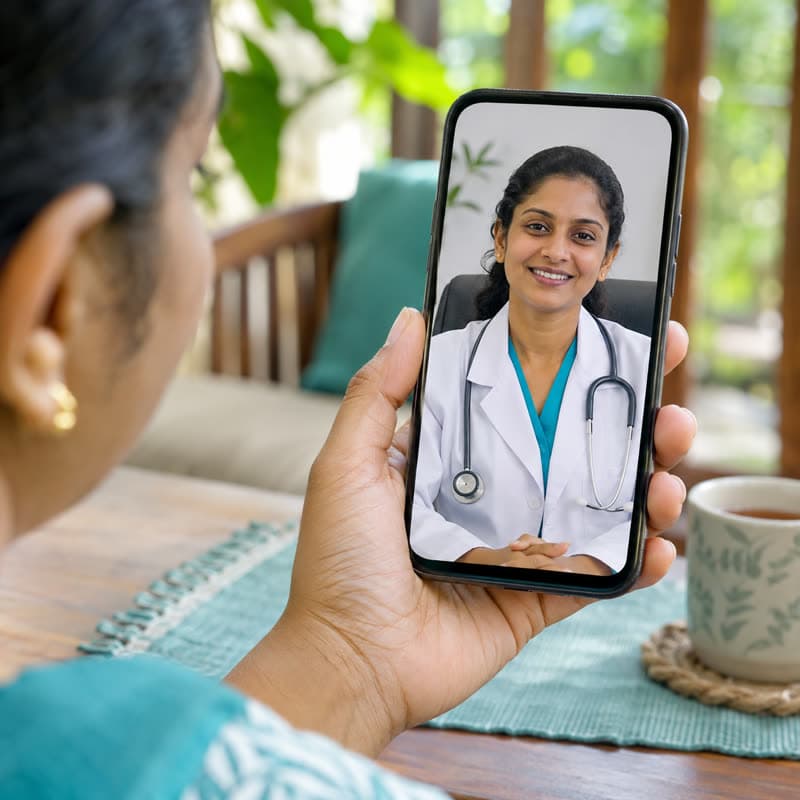
Talk face to face with your doctor on Google Meet, from your phone or laptop.
An SLMC-verified doctor
Our team checks every doctor's SLMC registration and documents before they can take bookings.
A time that suits you
Choose from the doctor's real open slots, each with its start and end time. No queues.
A clear fee, up front
Every doctor's consultation fee is on their profile before you book.
Your Meet link by email
Once your payment is verified, the link and booking details arrive in your inbox.
Everything in your dashboard
Your upcoming calls, Meet links and payments, all in one place.
How a video consultation works
From booking to your call in five steps.
- 1
Choose your doctor
Filter by specialty and fee, and see who has a slot open.
- 2
Pick a time
Choose an open slot. We hold it for you for 30 minutes while you pay.
- 3
Pay and upload your slip
Pay the consultation fee and upload your payment slip.
- 4
Get your Meet link
Our team verifies your payment, then your Google Meet link arrives by email.
- 5
Join the call
Open the link at your booked time and talk to your doctor.
Before your call
- A phone or laptop with a camera and microphone
- A quiet, private place with a steady internet connection
- Your reports, prescriptions or medicine list, if you have them
- Your Meet link (check your email, and the spam folder)
Not for emergencies. For urgent help, call 1990 (Suwa Seriya) or go to the nearest hospital.
Find the right doctor
Filter by specialty and see who has a slot open today.
Doctors will appear here as soon as they’re verified. Browse the directory
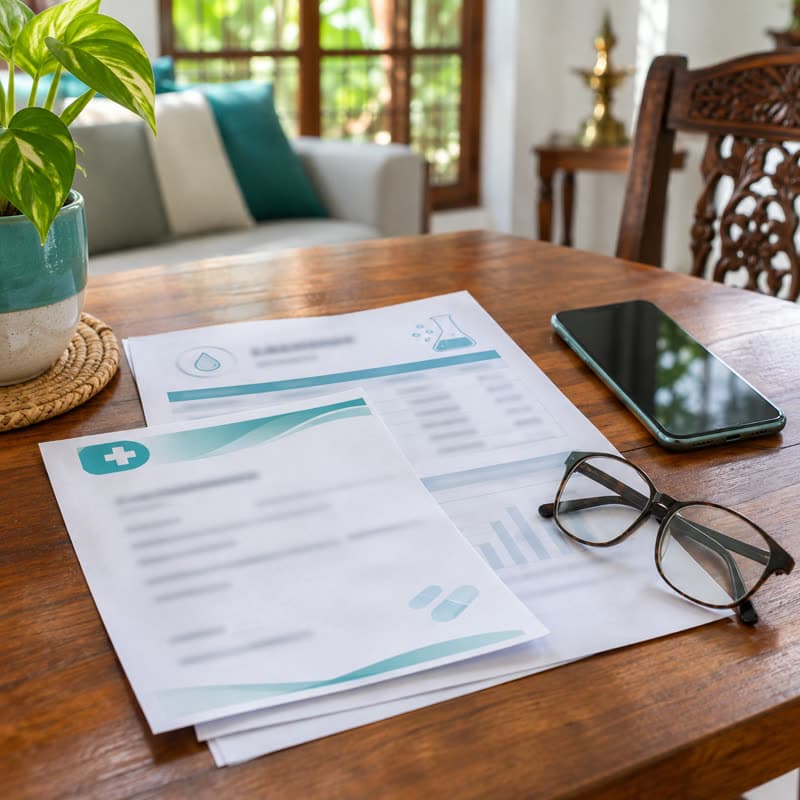
Already have reports? Let a doctor review them.
Upload your test results and scans. A doctor reviews your case and sends clear instructions for your next step.
- 1Upload your reports
- 2A doctor is assigned to your case
- 3Get instructions in your dashboard
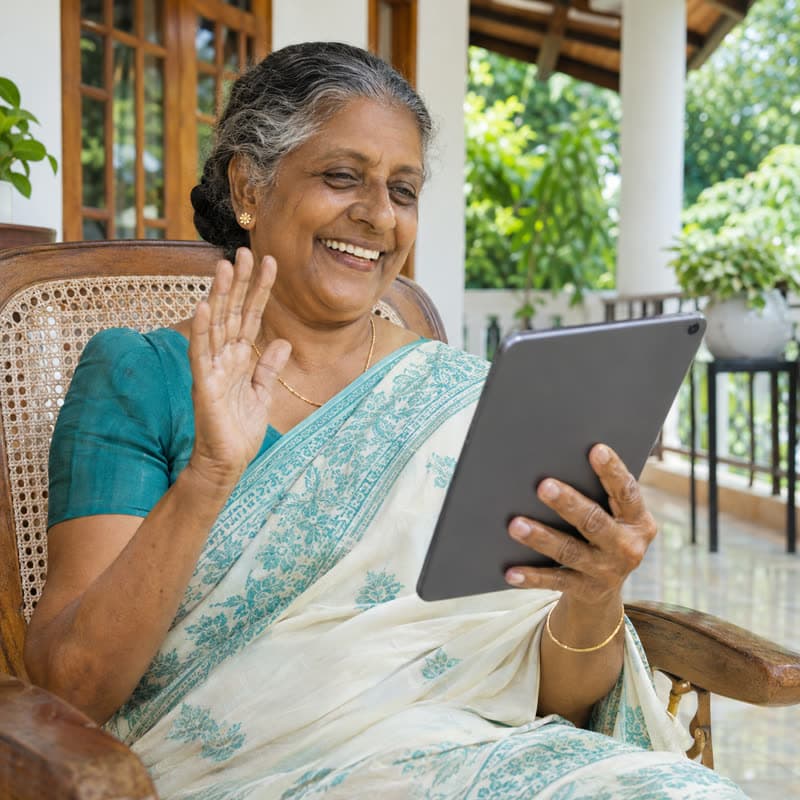


Your first video consultation is a few clicks away.
Create a free patient account to book doctors, track orders and send reports for review.